



Introducing Pulsar

Built for production and post
Key benefits
Built for editors, operators and technical teams
Pulsar works equally well on a single workstation or across a larger facility or production. Editors can share both their working interface and clean programme output, while technical teams can manage systems, support users and monitor streams remotely through Fleet, built directly into Pulsar.
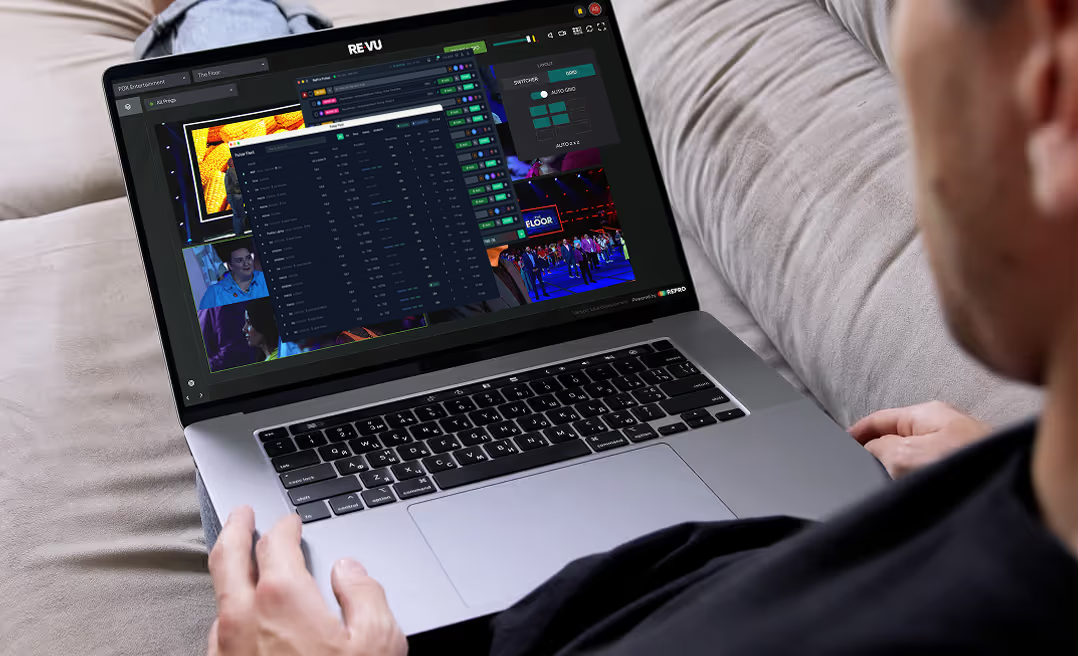
Control systems remotely
Built into Pulsar, Fleet gives authorised administrators full remote control of every Pulsar instance within their RePro organisation.
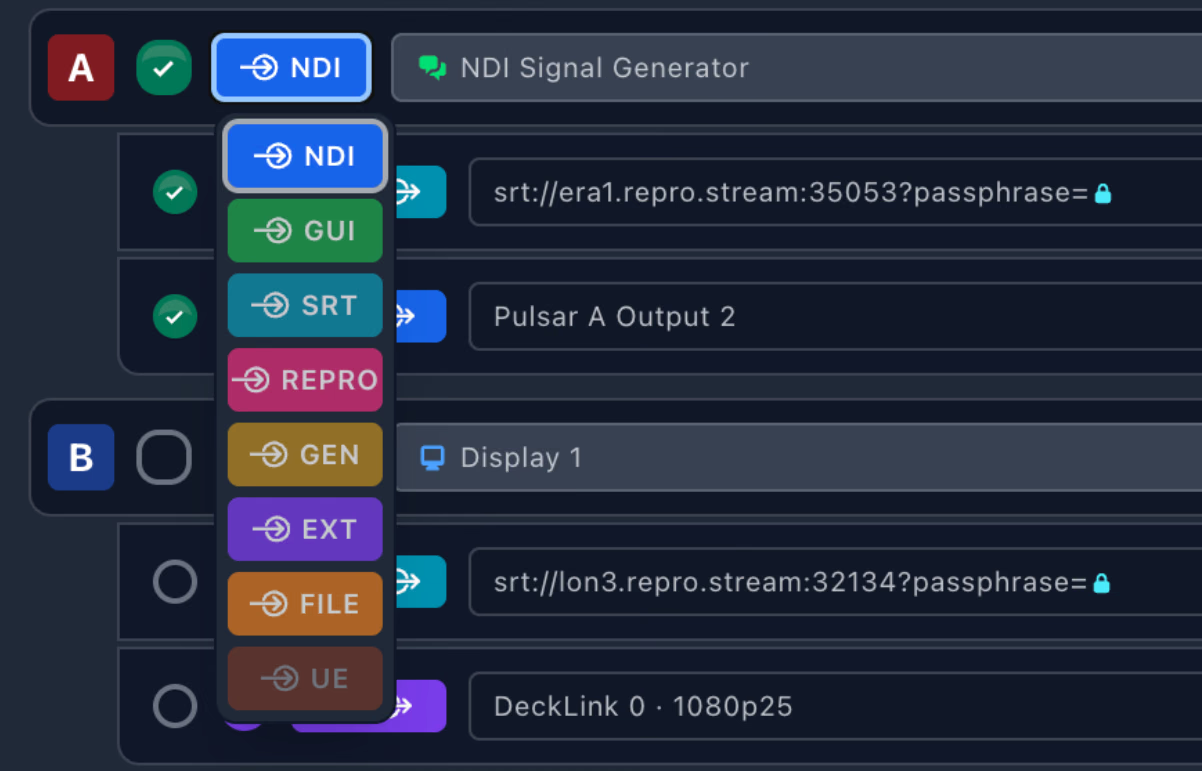
Configure and support at scale
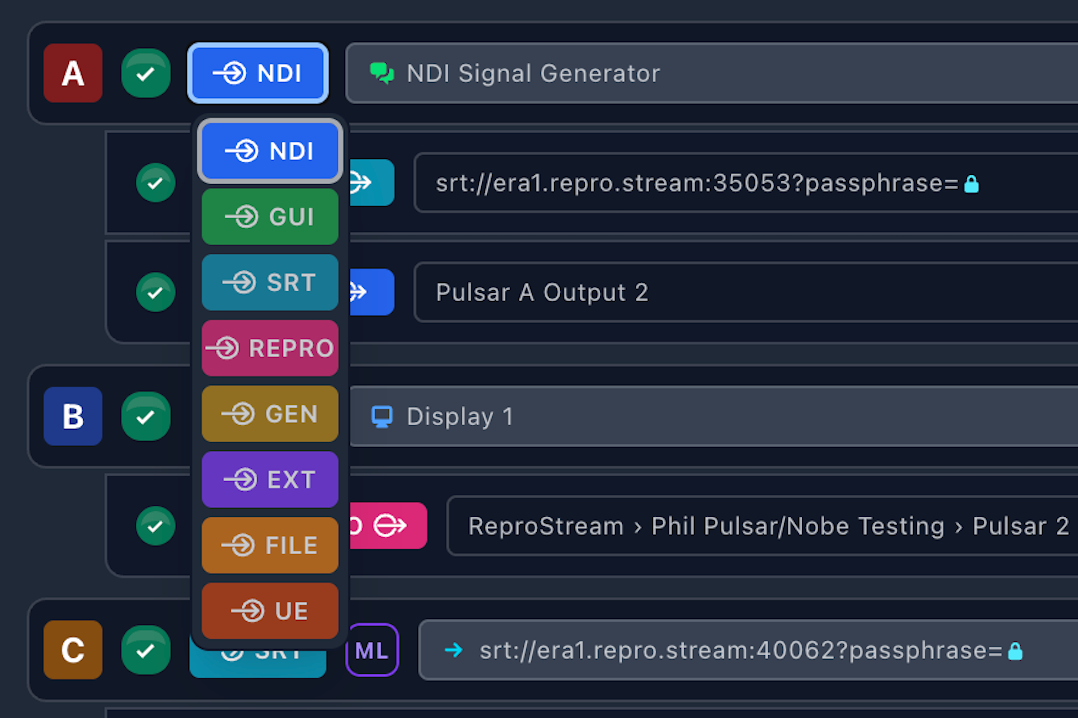
Set up sources, outputs and streams remotely, troubleshoot issues and support operators without needing a specialist at every workstation or location.
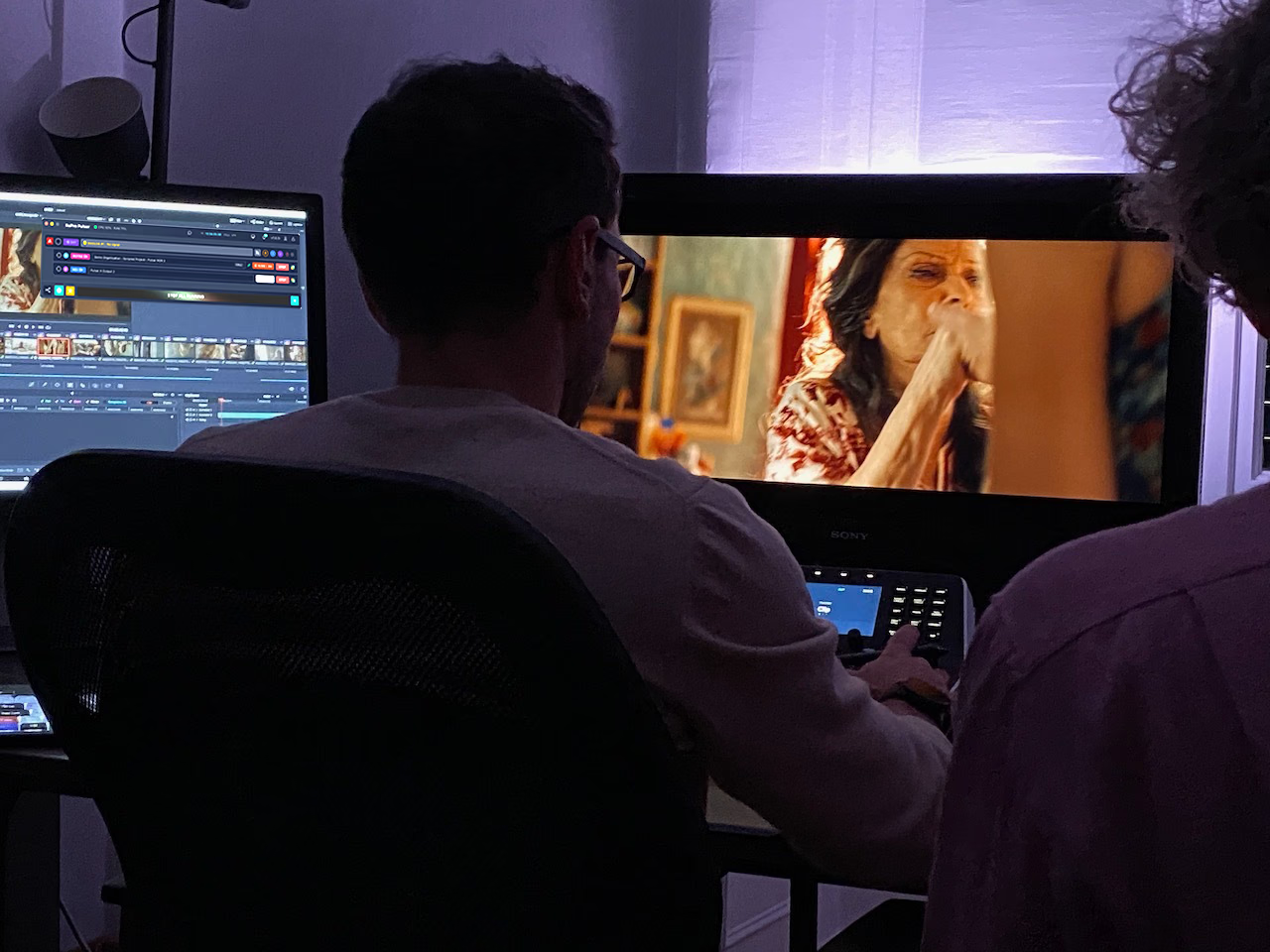
Stream the edit and the picture
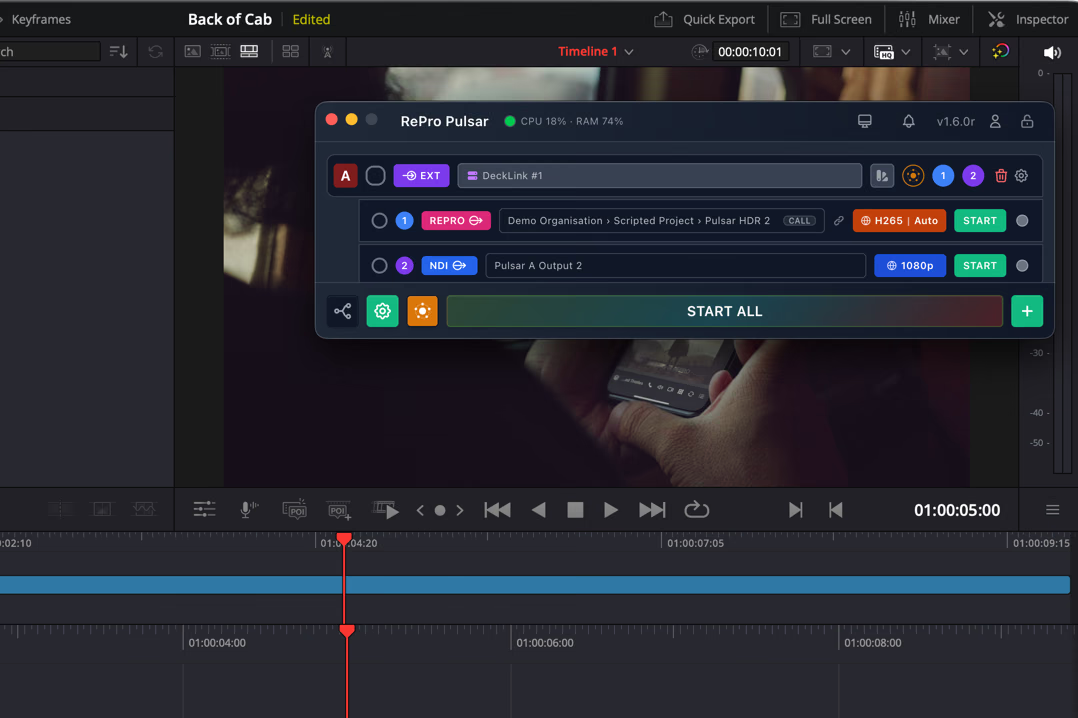
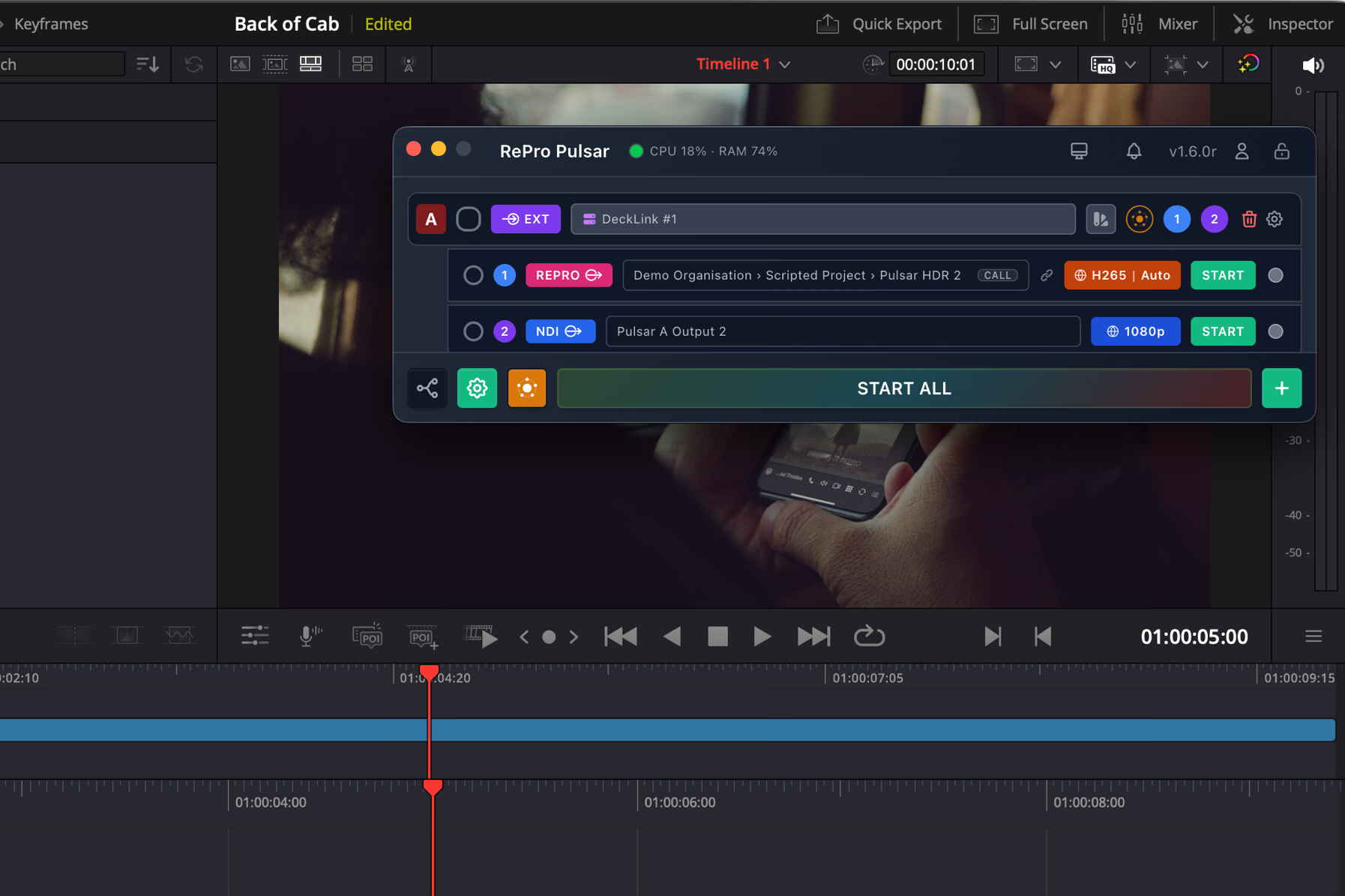
Editors can stream their application interface and clean programme output at the same time, giving remote collaborators both the creative context and the full-quality image.
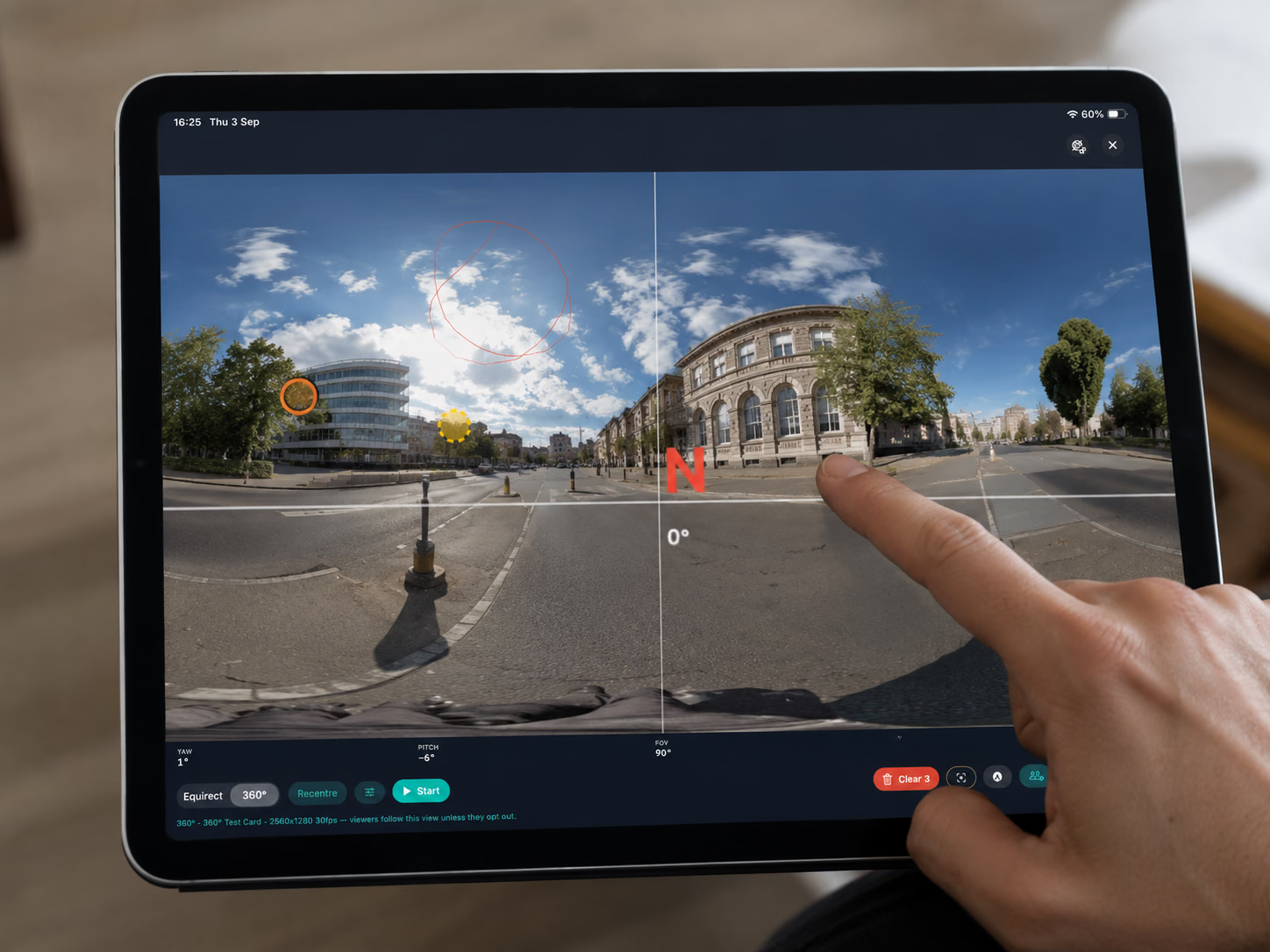
Direct the 360 view
With a supported Insta360 camera, Pulsar Mobile can stream 360 video into RePro and let operators frame what remote viewers see in real time.
Easy connection into RePro
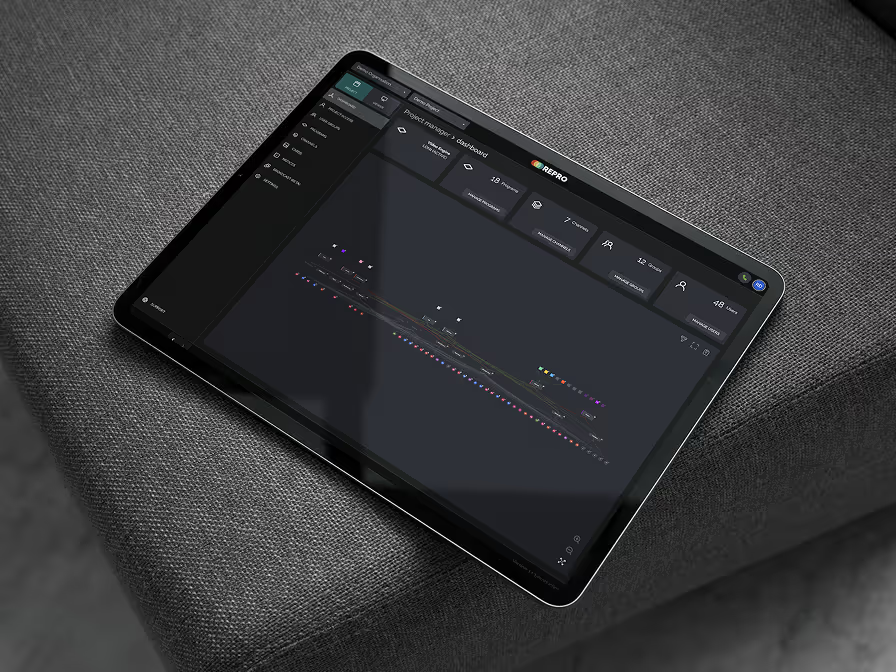
Log into your RePro account to launch Pulsar, choose the company, project and programme, then go live. When streaming to or from RePro, Pulsar is included as part of your RePro workflow.
Monitor every stream
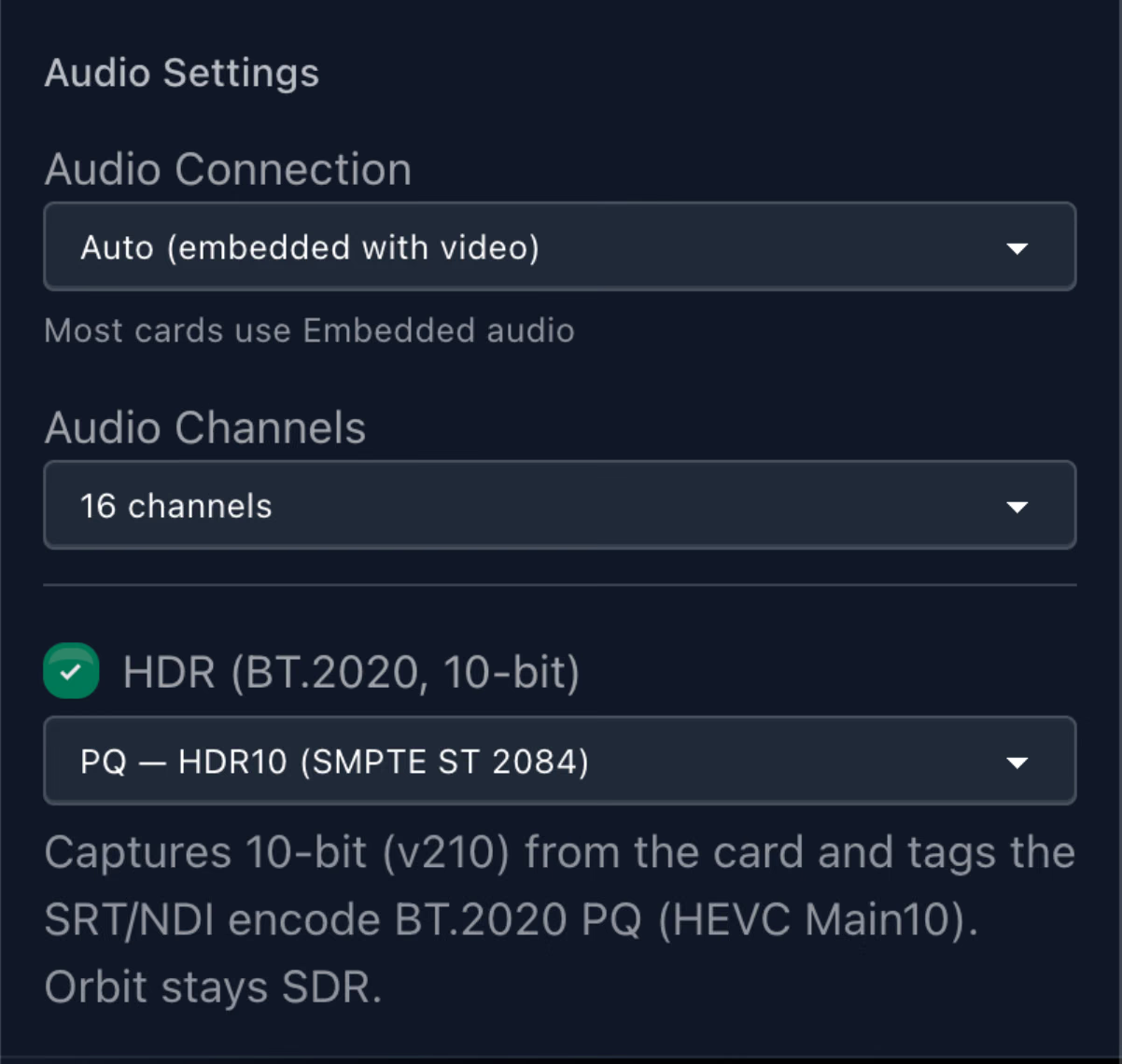
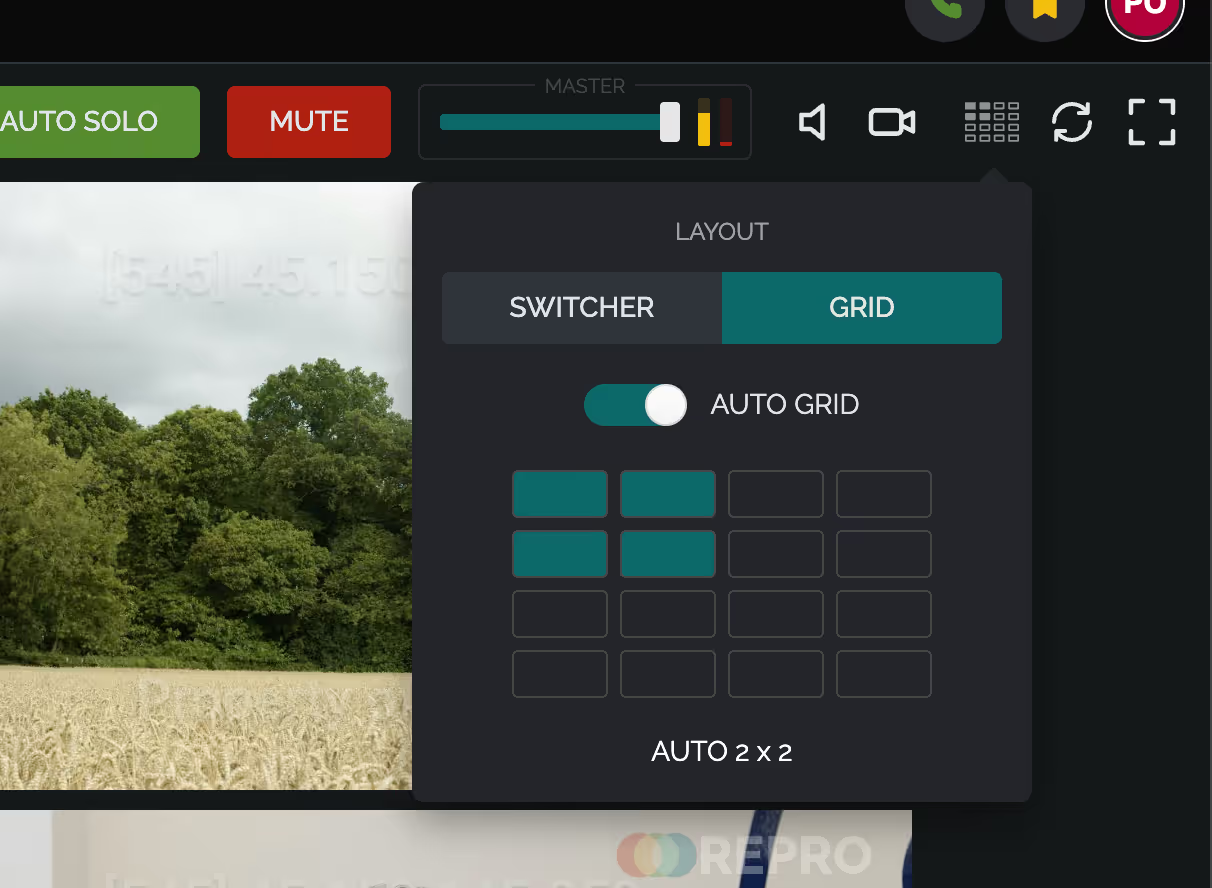
Use live previews, stream statistics, diagnostics and pipeline monitoring to check performance and identify problems before they affect a session.
From mobile contribution to an entire fleet
Use Pulsar Mobile for fast, portable contribution. Use Pulsar Desktop as a standalone software encoder on a workstation, or manage multiple Pulsar instances centrally across a facility, production or studio organisation.
Make live streaming part of the workstation
Use the systems you already have to send professional-quality live streams from production through post.
A RePro account is required to use Pulsar. Standalone workflows are available with a Pulsar subscription.