


A blue circle with a yellow sun in the middle.
Pulsar app icon.
PULSAR

Introducing Pulsar

Pulsar turns workstations, iPhones and iPads into secure live encoders for RePro.
Get PulsarTalk to us
FEATURES

Built for production and post

Incredible image fidelity
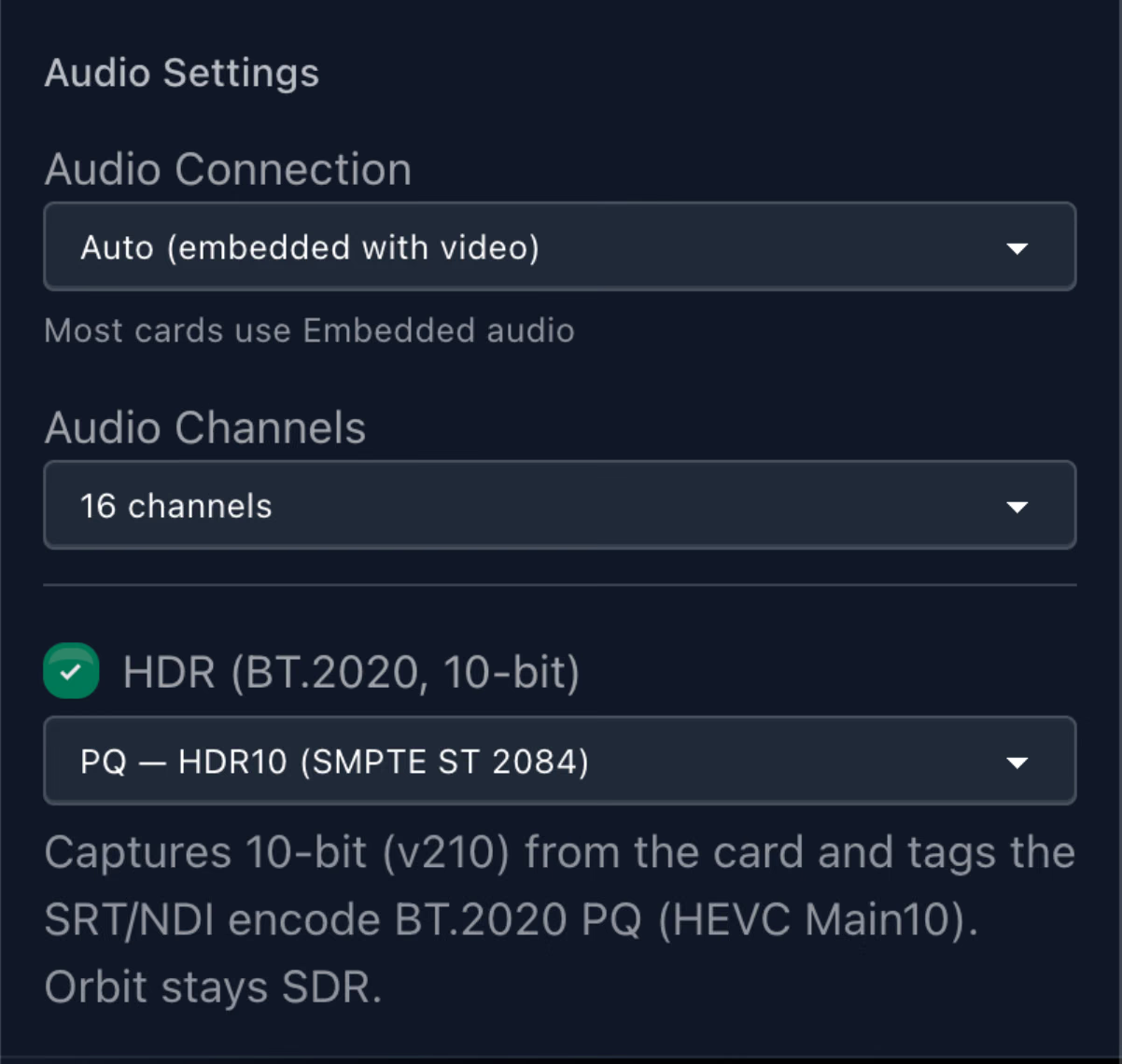
Stream in SDR or HDR, with support for up to 10-bit video, HEVC, 4:2:2 and resolutions up to UHD. Pulsar supports OCIO, LUTs and both PQ and HLG HDR workflows.
Flexible and scalable
Each Pulsar Desktop row takes one source, encodes it once and feeds up to two independent outputs. With support for up to 26 rows, a single workstation can replace multiple hardware encoders.
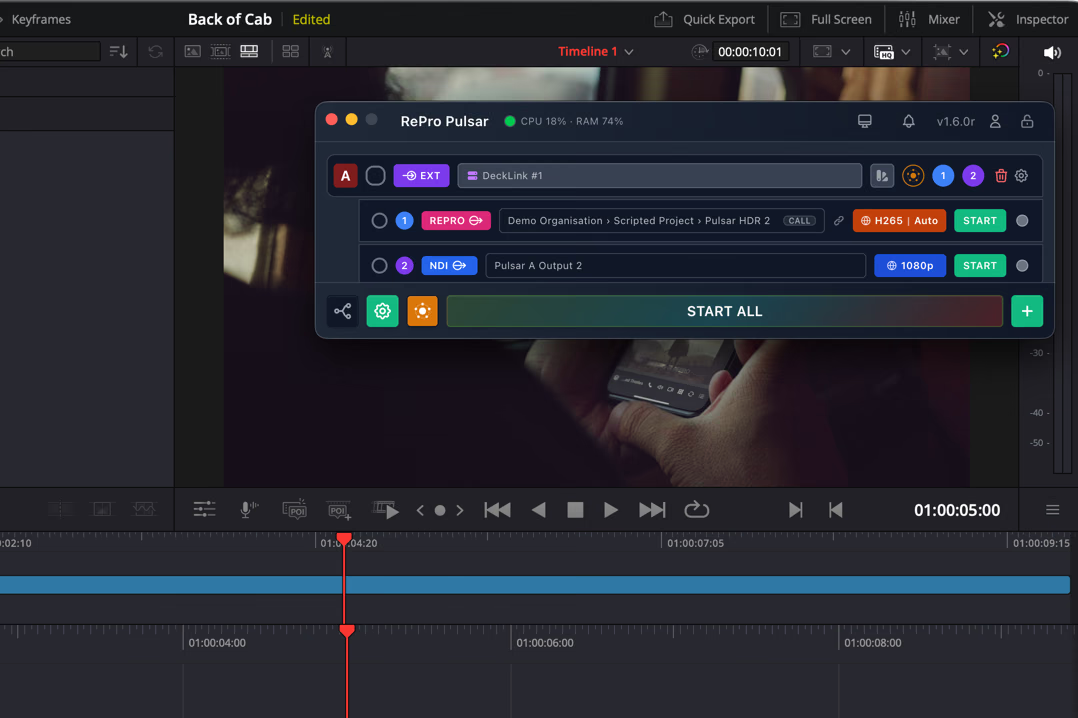
The Pulsar Desktop window floating over a DaVinci Resolve edit timeline, with a DeckLink source feeding RePro and NDI outputs.
Desktop, mobile and 360 workflows
Run Pulsar Desktop on Mac or Windows, or Pulsar Mobile on iPhone and iPad. Bring in SDI, HDMI, NDI, SRT, screen, file-based, RePro, Unreal Engine, UVC and Insta360 sources.

Key benefits

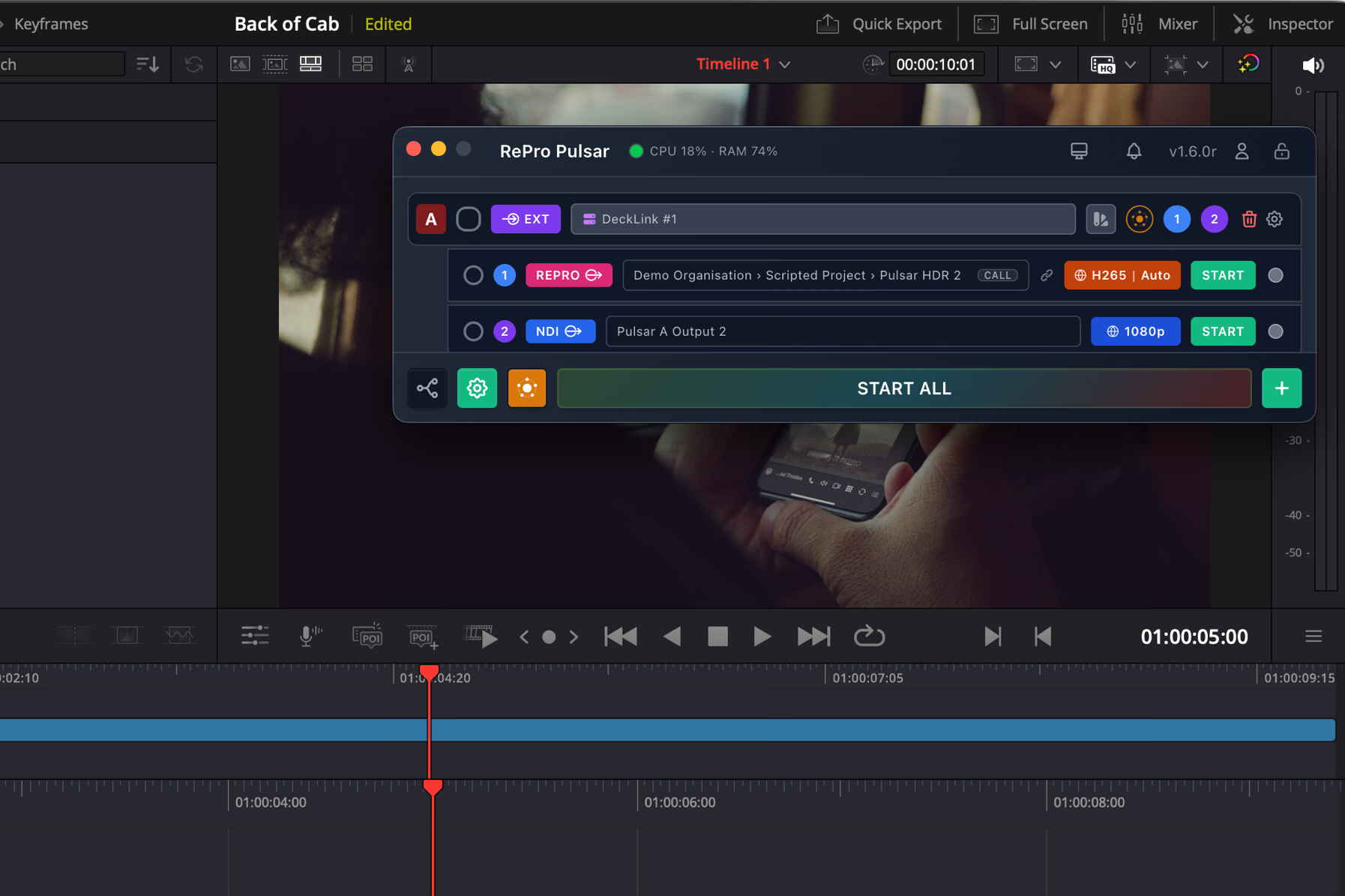
The Pulsar Desktop window floating over a DaVinci Resolve edit timeline, with a DeckLink source feeding RePro and NDI outputs.
01.
Stream at the quality your work requires
Choose the codec, bitrate, resolution, bit depth and chroma for each output. Use simple presets or configure the stream in detail for review, monitoring or colour-critical workflows.
02.
Replace multiple hardware encoders
A single Pulsar Desktop instance can manage up to 26 sources, allowing one workstation to replace multiple hardware encoders. Pulsar Mobile brings the same software-first approach to iPhone and iPad.
03.
Connect different sources and destinations
Use SRT, NDI, SDI, RePro and Orbit across local and remote workflows. Each row can feed two independent outputs, allowing the same source to serve different destinations at the same time.
04.
Capture from workstation or mobile
Use Pulsar Desktop across editorial, grading, finishing and production workflows. Use Pulsar Mobile for live contribution from built-in cameras, UVC inputs, NDI sources and supported Insta360 cameras.
05.
See what is happening across the signal path
Live previews, status lights, bitrate, frame rate, dropped-frame counts and pipeline monitoring make it easier to confirm that sources are connected and streams are moving.
06.
Share video locally with Orbit
Built into Pulsar, Orbit lets you share selected sources with browsers, iPhone, iPad and Apple TV devices on the same local network. Control access using individual codes or QR links.
PULSAR FOR TEAMS

Built for editors, operators and technical teams

Pulsar works equally well on a single workstation or across a larger facility or production. Editors can share both their working interface and clean programme output, while technical teams can manage systems, support users and monitor streams remotely through Fleet, built directly into Pulsar.
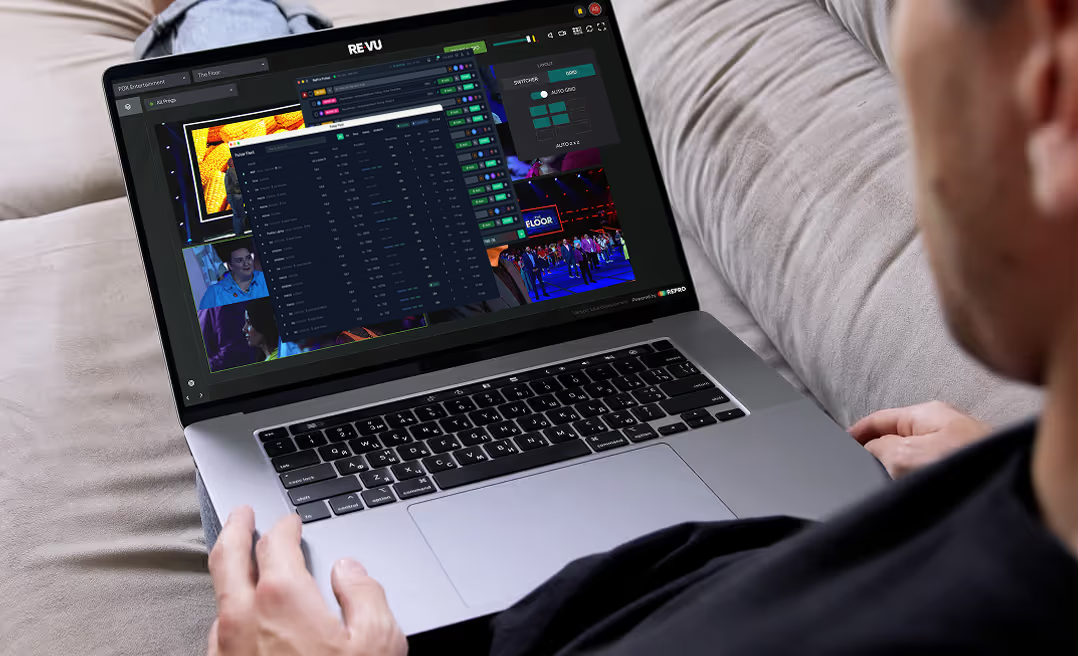
A person on a sofa monitoring multiple live camera feeds in RePro on a laptop.

Control systems remotely

Built into Pulsar, Fleet gives authorised administrators full remote control of every Pulsar instance within their RePro organisation.
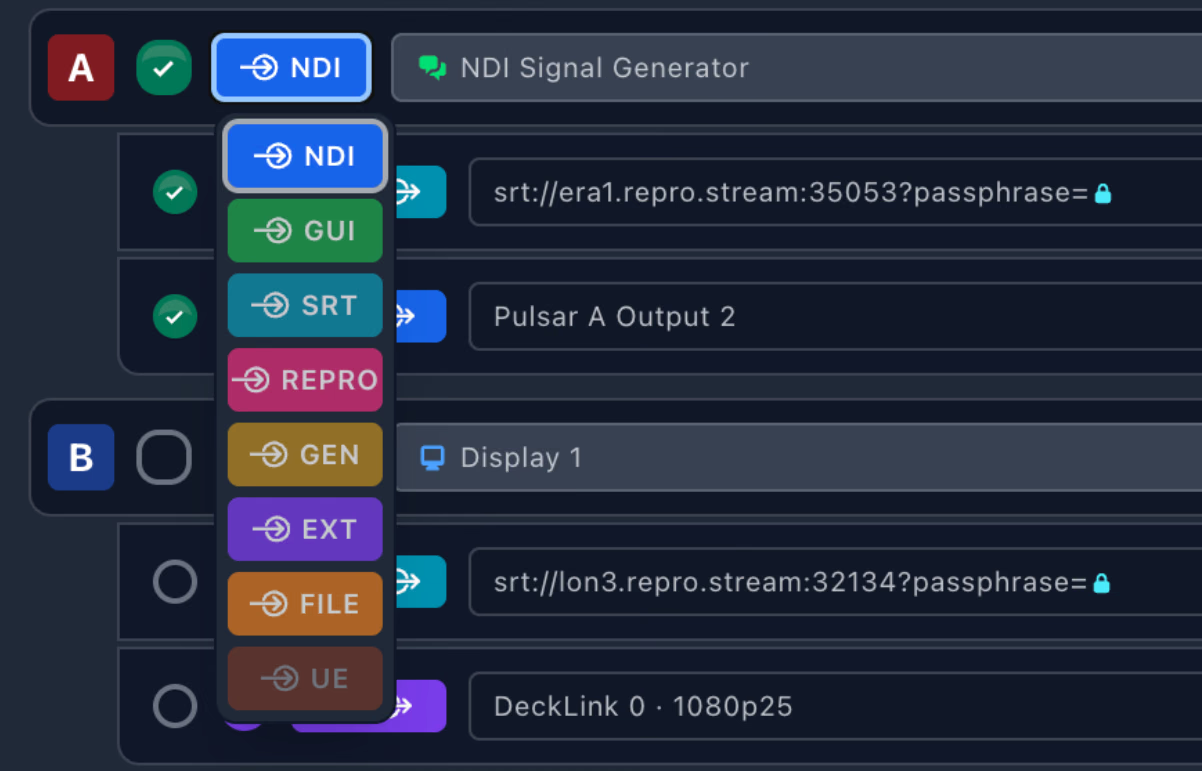
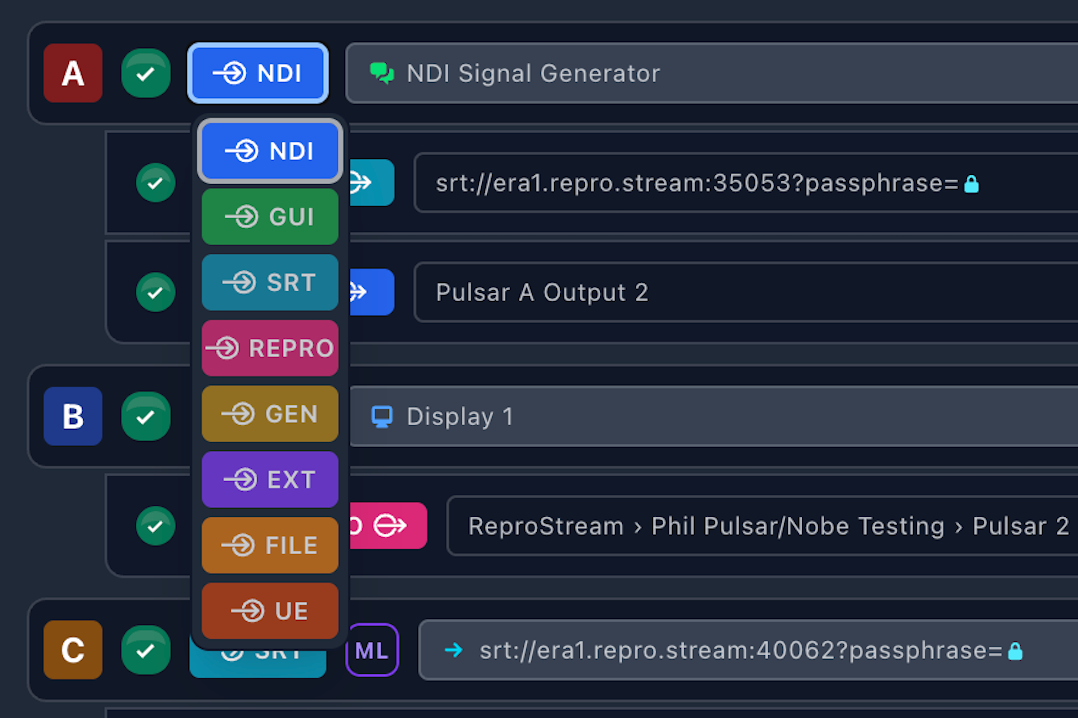
Pulsar Desktop source rows with the input type menu open, listing NDI, GUI, SRT, RePro, GEN, EXT and FILE.

Configure and support at scale

Set up sources, outputs and streams remotely, troubleshoot issues and support operators without needing a specialist at every workstation or location.
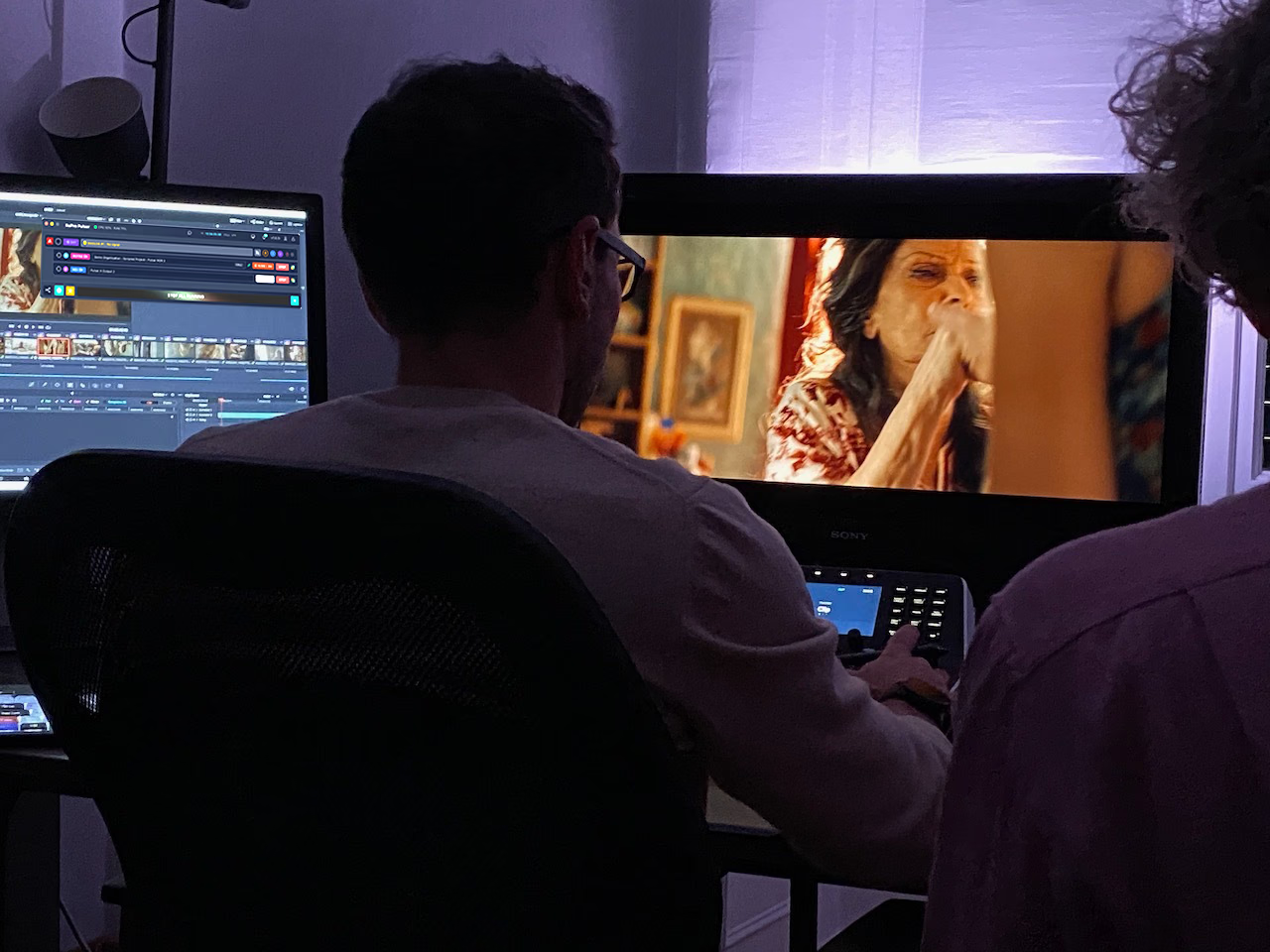
An editor in a grading suite with the edit timeline on one monitor and the programme picture on a larger display.

Stream the edit and the picture

Editors can stream their application interface and clean programme output at the same time, giving remote collaborators both the creative context and the full-quality image.
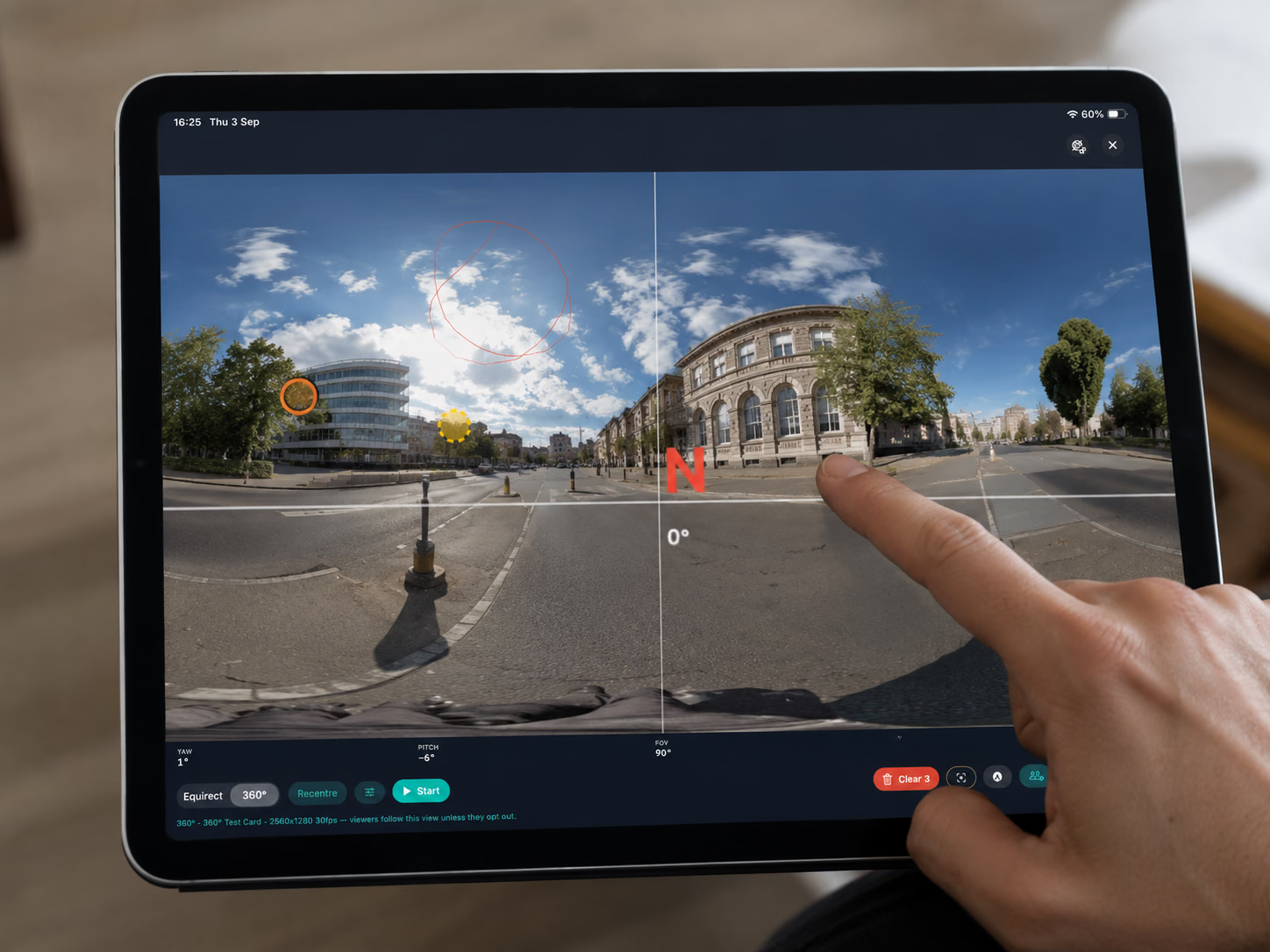
A finger on an iPad framing a 360-degree street view in Pulsar Mobile, with a north indicator overlaid.

Direct the 360 view

With a supported Insta360 camera, Pulsar Mobile can stream 360 video into RePro and let operators frame what remote viewers see in real time.
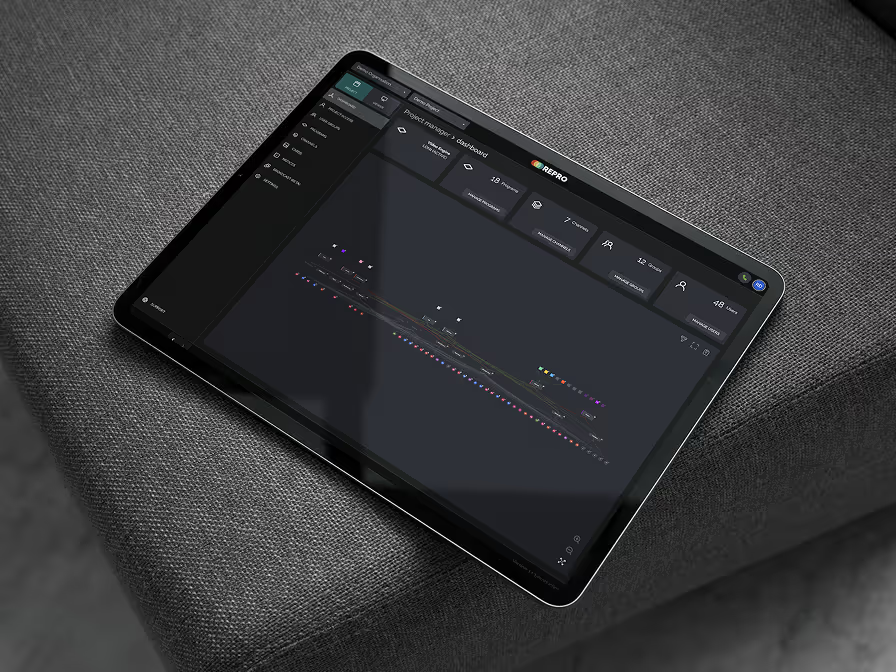
A black tablet with a screen displaying a menu.

Easy connection into RePro

Log into your RePro account to launch Pulsar, choose the company, project and programme, then go live. When streaming to or from RePro, Pulsar is included as part of your RePro workflow.
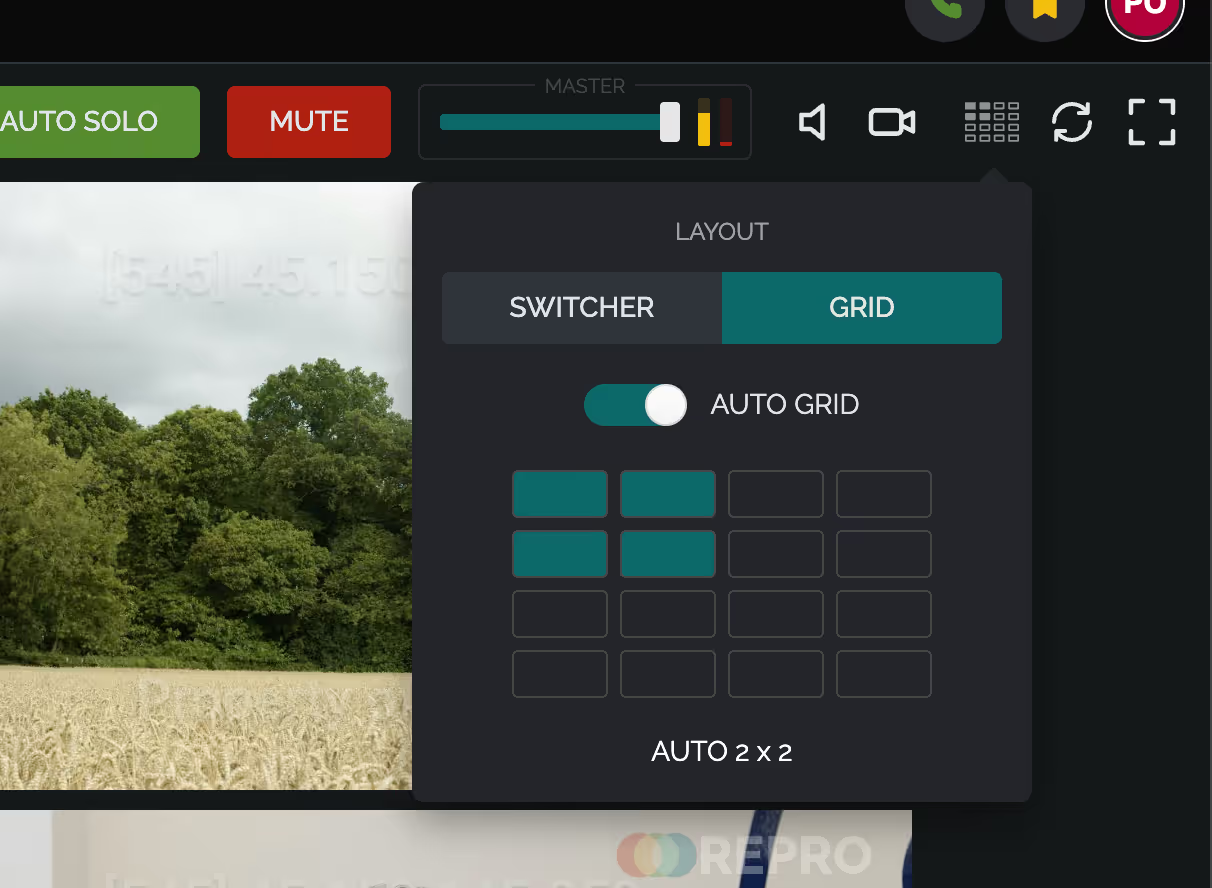
A screen with a green field and a button that says Auto Grid.

Monitor every stream

Use live previews, stream statistics, diagnostics and pipeline monitoring to check performance and identify problems before they affect a session.

From mobile contribution to an entire fleet

Use Pulsar Mobile for fast, portable contribution. Use Pulsar Desktop as a standalone software encoder on a workstation, or manage multiple Pulsar instances centrally across a facility, production or studio organisation.

Make live streaming part of the workstation

Use the systems you already have to send professional-quality live streams from production through post.

A RePro account is required to use Pulsar. Standalone workflows are available with a Pulsar subscription.